PaperPi
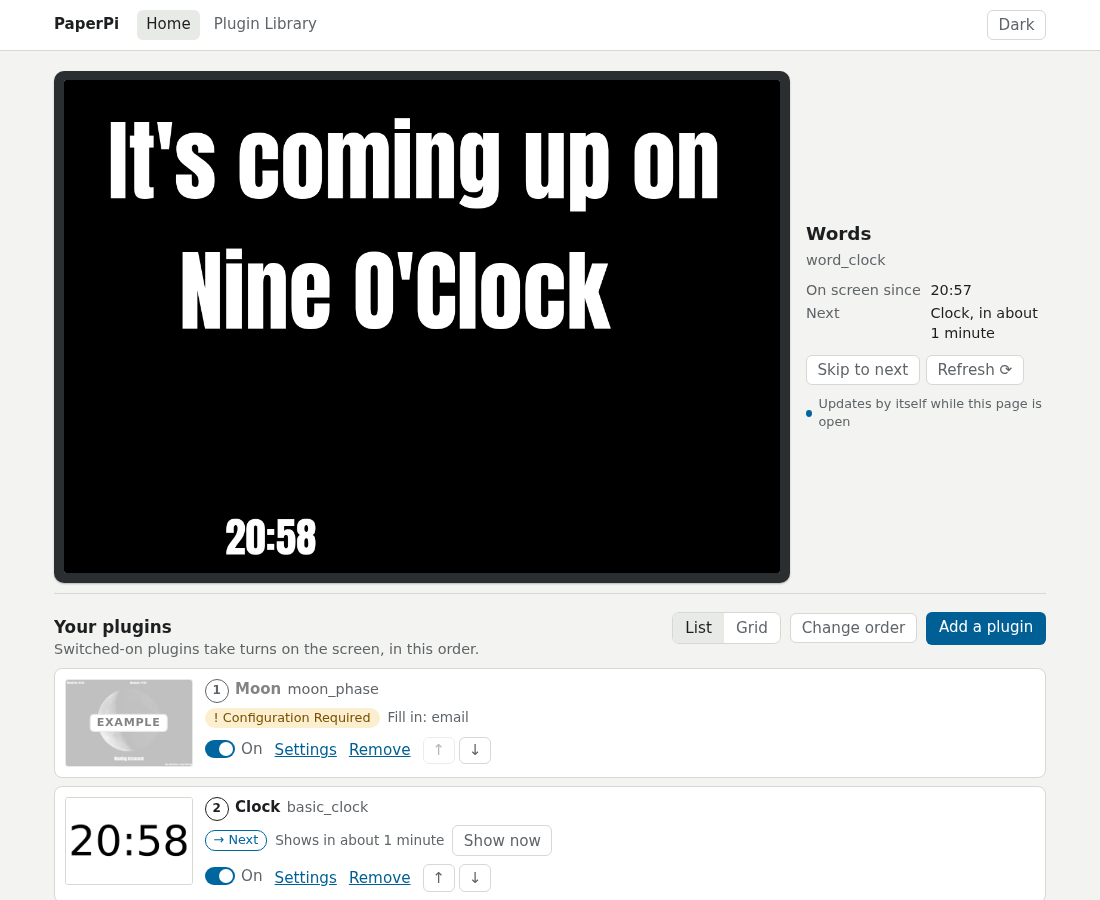
PaperPi shows information on an e-paper screen attached to a Raspberry Pi: clocks, the weather, your calendar, what music is playing, comics, public transport departures and more. Each source of information is a plugin. The plugins take turns on the screen, and you set them up in a web page on your phone or computer.
Install
You need a Raspberry Pi 3 or 4 with Raspberry Pi OS "trixie", and an e-paper screen: one with Waveshare's IT8951 board (such as the Waveshare 9.7"), or one of Waveshare's small screens on their e-Paper HAT (What you need). One command on the Pi installs PaperPi and starts it. It asks which screen is connected:
curl -fsSL https://raw.githubusercontent.com/txoof/PaperPi/main/install/paperpi-install | sudo bash
Then open the web interface at the address the screen shows: First setup.
What's in this manual
Get started
- What you need: the parts, and how to connect the screen to the Pi's pins.
- Install: the install command and its questions, step by step.
- First setup: the password, adding plugins and filling in their settings, in the web interface.
- The web interface: what each of its pages does.
- Update and remove: getting a new version, going back to an older one, removing PaperPi.
- How plugins take turns: display time, refresh, and the levels rotation, interrupt and alert.
- Troubleshooting: what to do when something doesn't work, and how to ask for help.
- What's new: the changes in each release.
Reference
- Plugins: every plugin, with its pictures and settings.
- Settings reference: every setting of the config file.
- Supported screens: every screen PaperPi knows, and which ones were tested. More about the small screens: Waveshare screens.
- How the service works: where the files are, the commands to check on PaperPi, and how systemd keeps it running.
For developers
Version 1
This manual is for PaperPi version 2, a rewrite from scratch. Version 1 is no longer maintained: it gets no fixes, and version 2 does not read its config files. Its code stays on the v1 branch, with the last state marked by the tag v1-final.
Help and source code
PaperPi is free software (GPL 3.0 or later). The code, and the place to report problems, is txoof/PaperPi on GitHub. The screens are driven by epdlib, a separate library on PyPI.