Music server (LMS)
Type lms_client · needs a device on your home network · set up first: Needs a Lyrion Music Server (LMS) on your home network, and the name of one of its players..
The song a Lyrion Music Server (LMS, formerly Logitech Media Server) player is playing: its title, artist, album and cover. The player can be any LMS player, such as a Squeezebox or Squeezelite on a Raspberry Pi, on this device or anywhere on the network. For several players, add one [[plugin]] block per player.
It is an interrupt plugin (level = "interrupt", its default): while the player plays, it takes over the screen; when it stops (or is switched off), the other plugins are shown again. A paused song stays on the screen for idle_timeout seconds (default 15), so a short pause doesn't change the screen.
At each update the plugin asks the LMS server, through its JSON-RPC interface (http://<server>/jsonrpc.js), for its players, finds the one with the name in player (upper and lower case don't matter), and asks for its status. When the server has a password, the user and password settings are sent with every request (HTTP basic auth), and only to the LMS server.
Songs from the LMS library get their cover from the server (/music/<coverid>/cover_500x500_m.jpg). Internet radio shows the station's name as the artist and the station's picture, when LMS has one. A cover is downloaded once (at most 2 MB, JPEG or PNG) and saved in the plugin's storage folder; on a nearly full disk it is not saved. A song without a usable cover is shown with a plain picture of a record. The plugin also saves a small file with the time the song was paused, because each update is a new program that can't remember it.
When the server doesn't answer, asks for a password, or has no player with that name, the update fails with a message that says so, and PaperPi tries again at the next update. When the player plays nothing, the plugin has nothing to show, which is not a failure.
Layouts
The same as librespot_client's:
| Layout | Shows |
|---|---|
two_column_three_row (default) |
the cover with the artist and album next to it, the title below |
album_art_title |
a large cover with the title below it |
cover_art_only |
only the cover |
two_rows_text_only |
the title and the artist |
three_rows_text_only |
the title, the artist and the album |
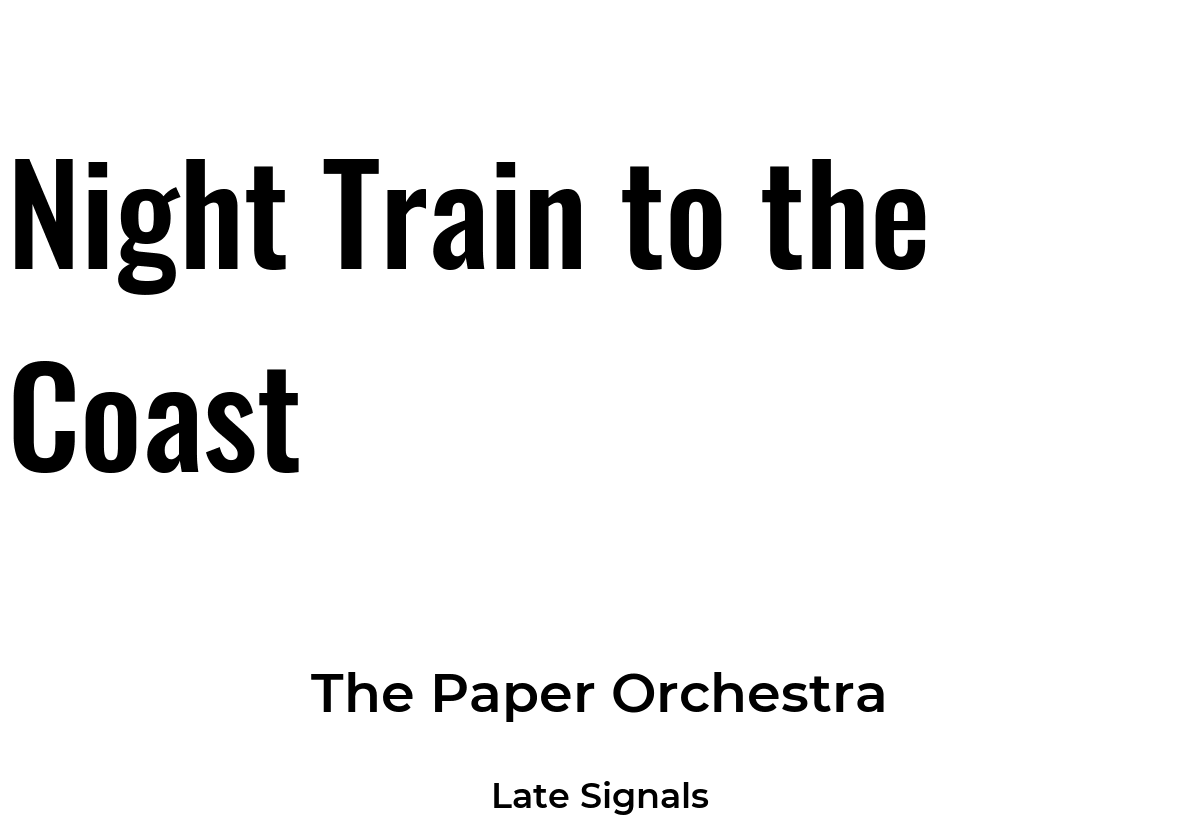
Titles are in Oswald, the artist and album in Montserrat SemiBold, as in PaperPi v1. Long texts are drawn smaller; text that still doesn't fit ends with "…". The fonts are Oswald by The Oswald Project Authors and Montserrat by The Montserrat Project Authors, under the SIL Open Font License (fonts/Oswald-OFL.txt, fonts/Montserrat-OFL.txt).
Settings
| Setting | Default | Meaning |
|---|---|---|
server |
(required) | address of the LMS server with its web port, e.g. 192.168.1.9:9000 (without a port: 9000) |
player |
(required) | name of the player, as LMS shows it, e.g. Kitchen |
user |
"" |
user name, only when the LMS server has a password |
password |
"" |
password, only when the LMS server has one (a secret: not shown on the settings page) |
idle_timeout |
15 |
seconds a paused song stays on the screen before other plugins are shown |
It suggests a refresh every 5 seconds.
On the settings page, the Find players button looks for LMS servers on the local network (the way LMS players find them: a broadcast message on UDP port 3483) and lists every player of every server, with its model and whether it is playing, on or switched off. Use fills in server and player. A server in another network can't hear the broadcast: type its address in server and press the button again to list its players. When the server has a password, fill in user and password first.
In the config file (every other setting is in the settings reference):
[[plugin]]
id = "lms_client-3456567e"
name = "Kitchen music"
type = "lms_client"
server = "192.168.1.9:9000"
player = "Kitchen"
Try it without a screen: uv run paperpi render lms_client (sample song), or with the song playing now: uv run paperpi render lms_client --live --set server=192.168.1.9:9000 --set player=Kitchen.
All settings
Made from the plugin's code, so always up to date.
| Setting | Default | What it does |
|---|---|---|
server |
required | Address of the LMS server, with its web port, e.g. 192.168.1.9:9000 (required) |
player |
required | Name of the player, as LMS shows it, e.g. Kitchen (required) |
user |
not set | User name, only when the LMS server has a password |
password |
not set | Password, only when the LMS server has one |
idle_timeout |
15 |
Seconds a paused song stays on the screen before other plugins are shown |
Its suggestions for settings every plugin has (a block that sets one of them uses that value instead):
| Setting | Default | What it does |
|---|---|---|
refresh |
5 |
Seconds between updates (at least 5). Leave it out to use the plugin's suggestion |
level |
"interrupt" |
When it is shown: alert, interrupt or rotation. Leave it out to use the plugin's suggestion |
layout |
"two_column_three_row" |
Which layout (see the plugin's page). Leave it out to use the first |
storage_mb |
500 |
Most megabytes this plugin may keep in its storage folder; over it, the files changed longest ago are removed first. Leave it out to use the plugin's suggestion |
storage_days |
30 |
Files the plugin has not changed for this many days are removed (0 = keep them). Leave it out to use the plugin's suggestion |
Sample images
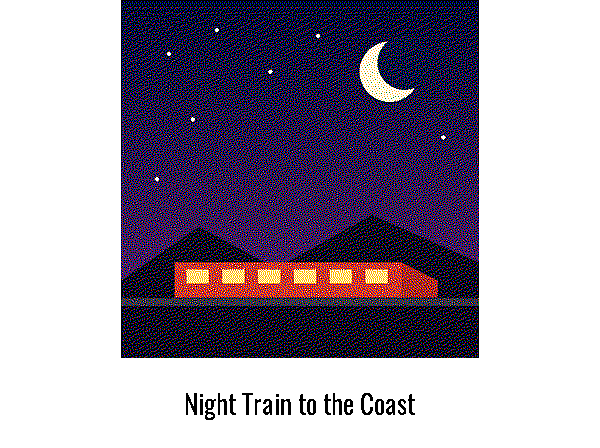
The sample cover, sample/cover.png, was drawn for PaperPi; the sample song is made up. All sample images are in tests/images/, named lms_client-<layout>-<screen>.png, where <screen> is 9in7 (9.7", 1200x825, 16 grays), 7in5 (7.5", 800x480, black and white) or 5in65 (5.65", 600x448, 7 colours).

two_column_three_row, 9.7" |
album_art_title, 9.7" |
cover_art_only, 9.7" |
|---|---|---|
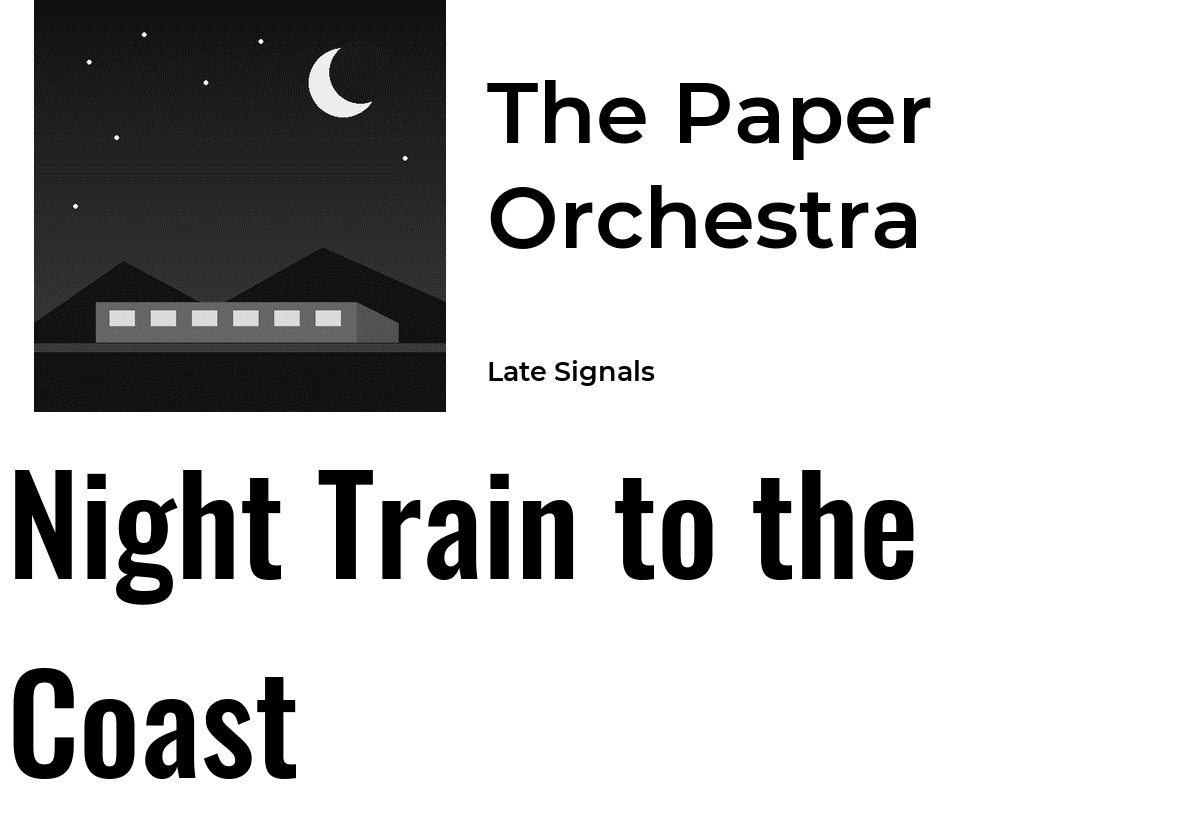 |
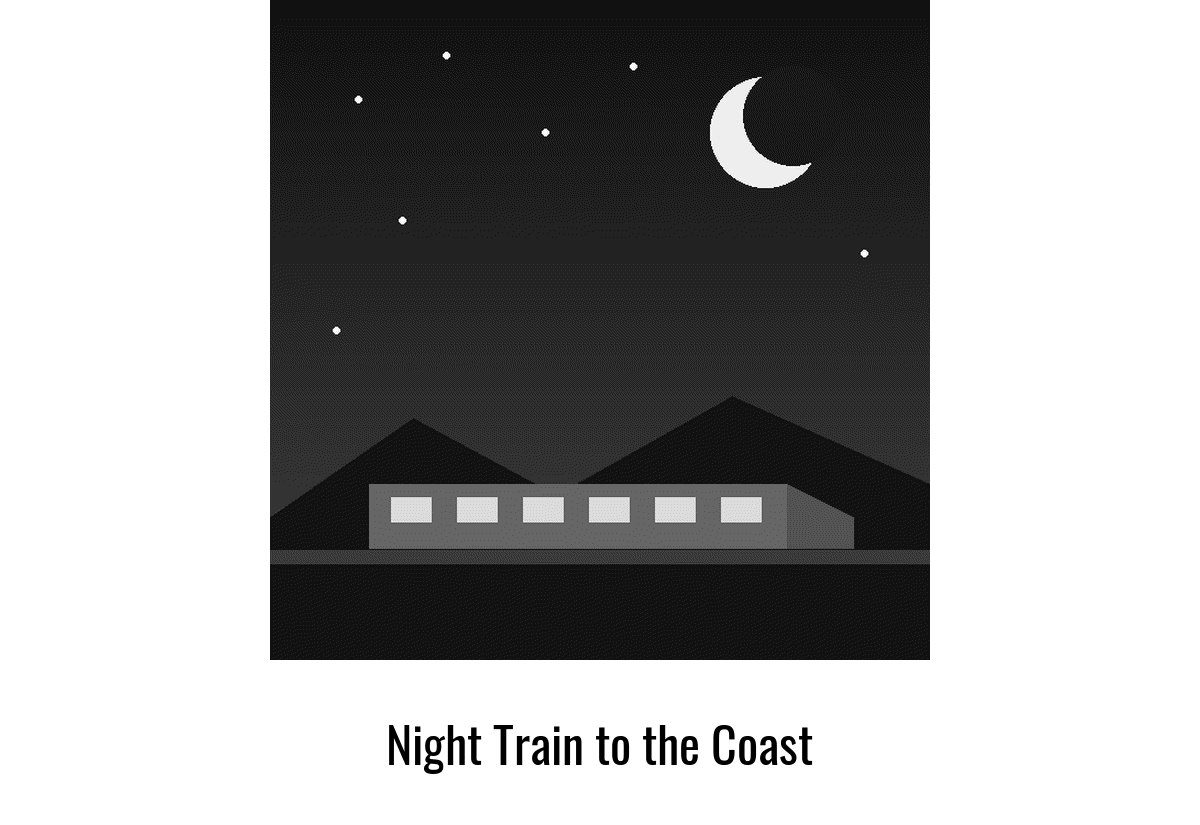 |
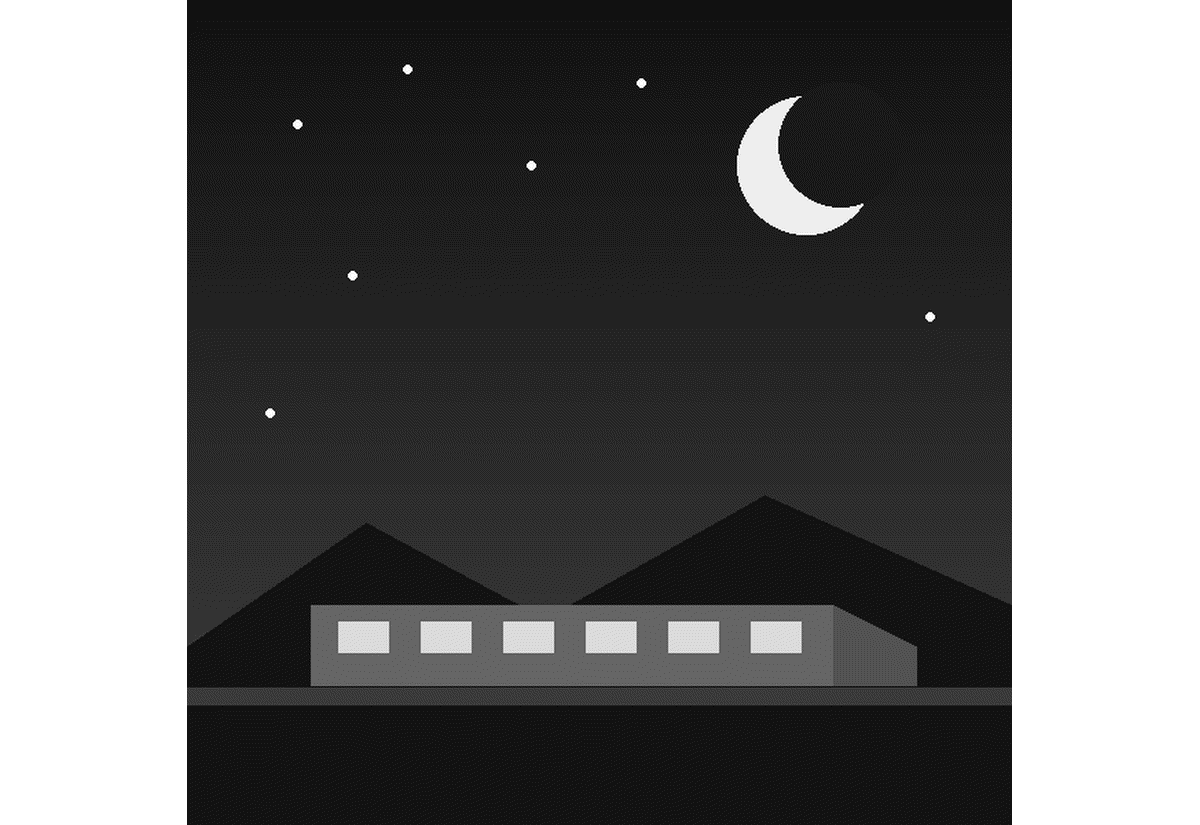 |
two_rows_text_only, 9.7" |
three_rows_text_only, 9.7" |
album_art_title, 5.65" colour |
|---|---|---|
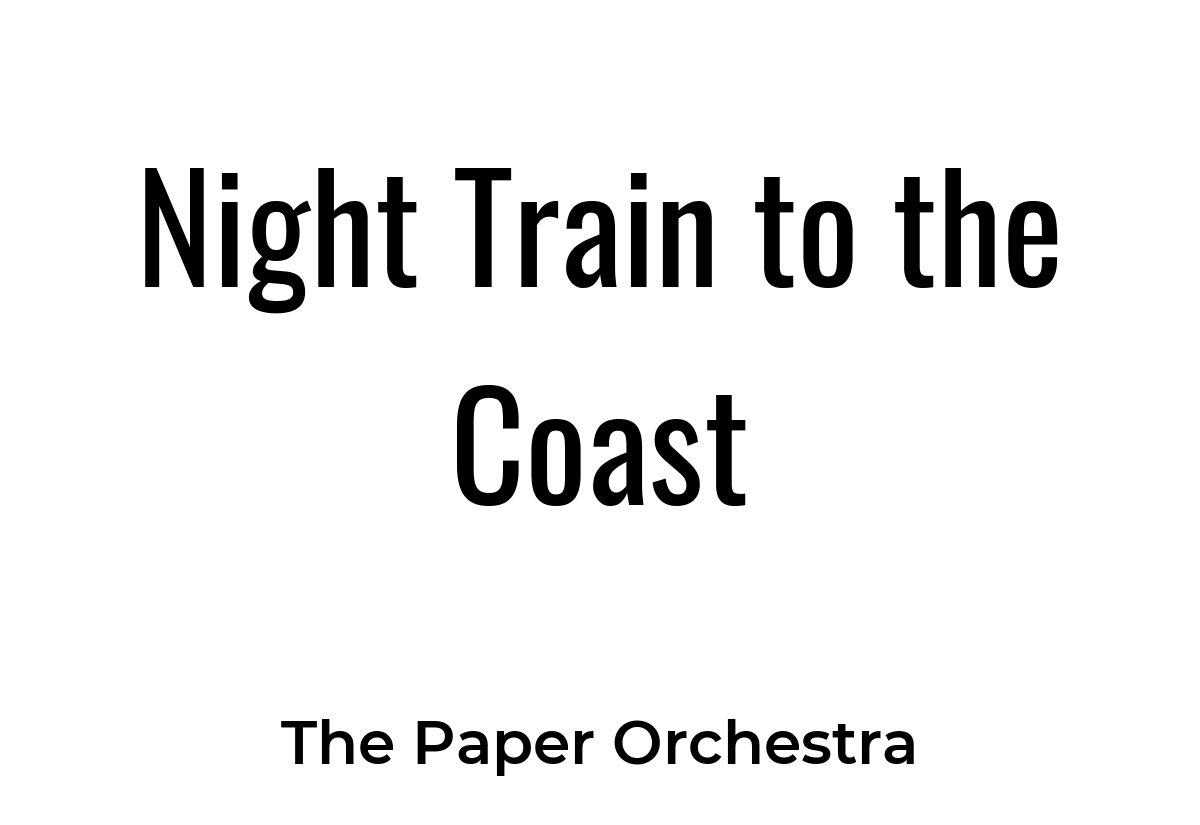 |
 |
 |