Word clock
Type word_clock · needs nothing: no network.
Shows the time in words, rounded to the nearest 10 minutes: "It's roughly Twenty After Eight", "It's nearly Ten 'Til Lunch", "It is about Dinner Sharp". It needs no network.
- Rounding: from :05 on the time rounds up (20:25 is "half past"), and from :35 on the sentence counts to the next hour (20:35 is "twenty 'til nine").
- The words vary. The opening, the minute words and the hour (a number or a nickname such as "lunch", "too late" or "go to bed") are picked anew for each 10-minute step. Within a step the time words stay the same. Only the opening may change, where the truth does: openings like "nearly" are used only while the time is a little before the step; on the minute of the step and after it a plain one ("It is about").
- The text moves. At every update the text is placed somewhere else on the screen, as in v1.
- The text size is chosen for the sentence that needs the smallest text ("It's more or less Thirty After Go To Bed": the widest is not always the hardest, because where the lines break matters too), so every sentence fits and the size never changes. A test checks every sentence on three screen sizes. The lines sit close together (epdlib's
line_spacing: "tight"), because Anton leaves a lot of room above its letters: 191 px on the 9.7" (v1: 178 px). At that size the 3 lines fill the whole height, so shorter words would not make it larger.
The word lists are in words.py.
Layouts
| Layout | Shows |
|---|---|
words_time (default) |
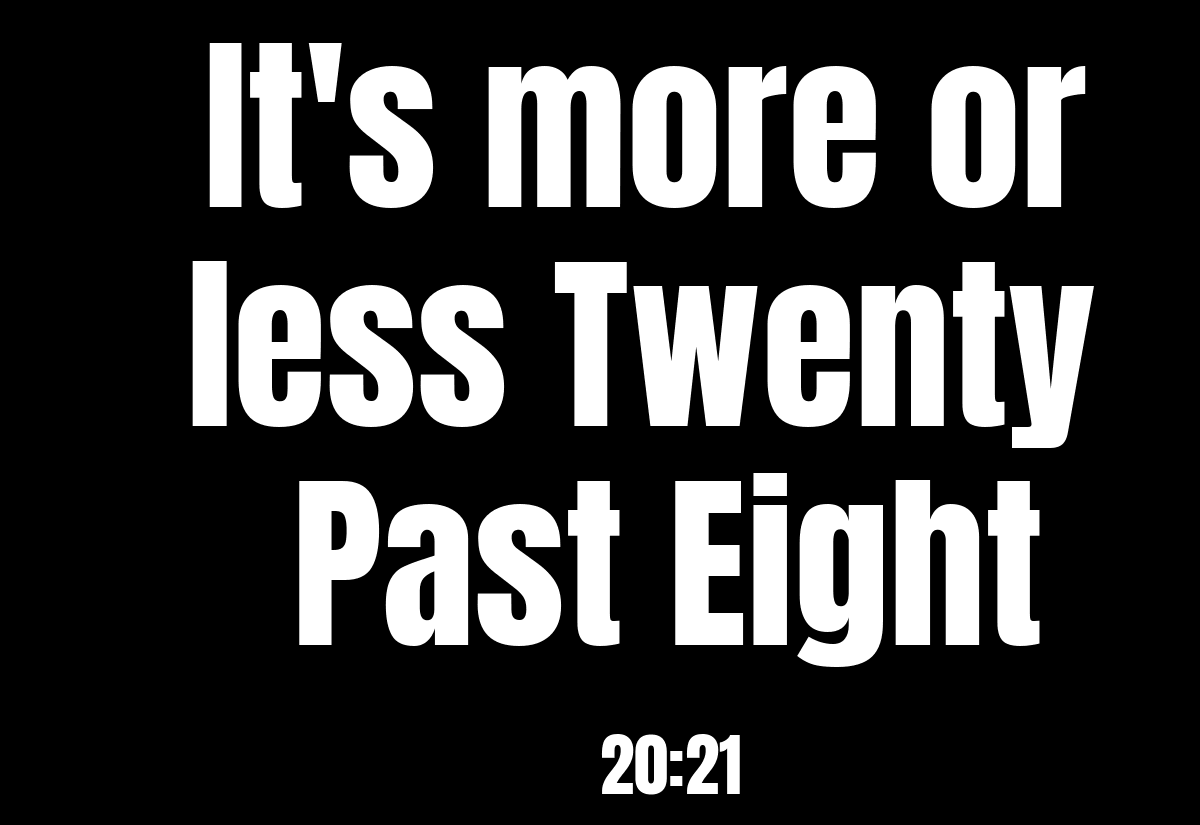
the sentence, large, with the time small underneath ("20:21") |
words |
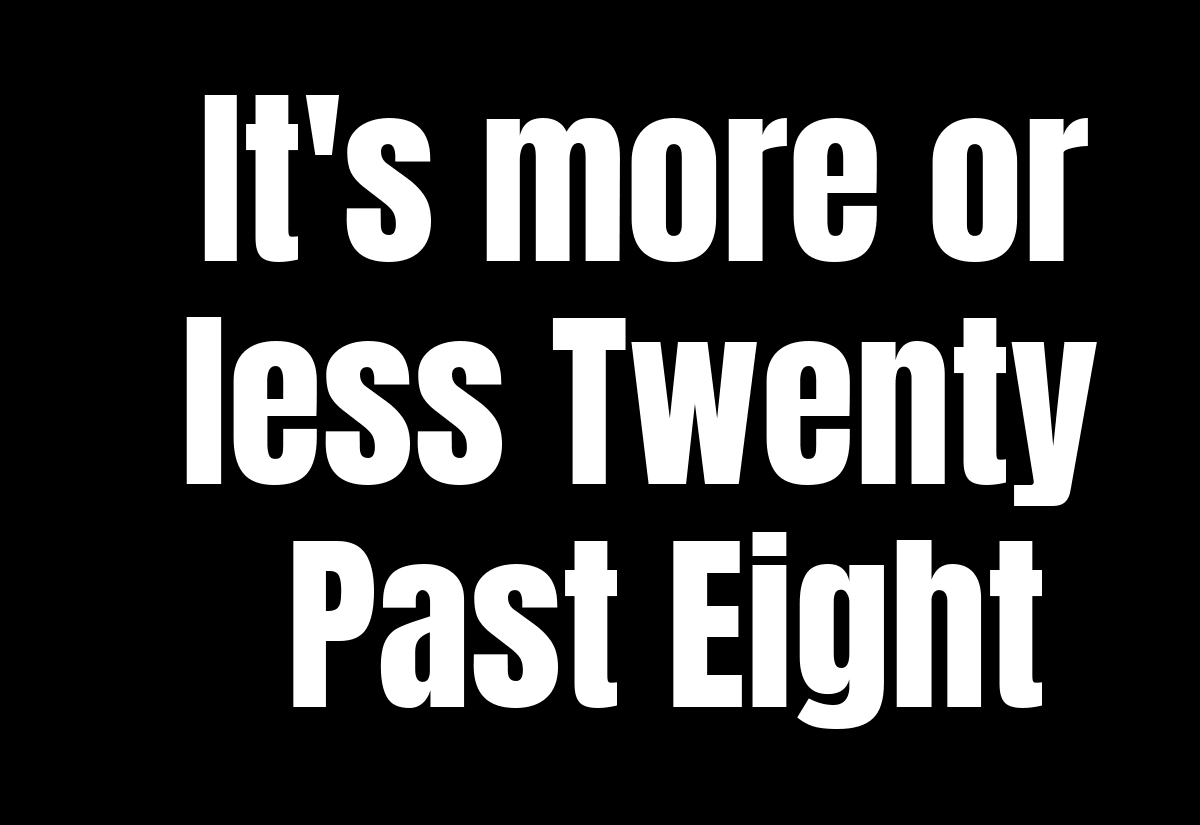
the sentence only |
Settings
| Setting | Default | Meaning |
|---|---|---|
text_color |
"white" |
colour of the text: red, orange, yellow, green, blue, black, white, or random |
background_color |
"black" |
colour of the background, same choices |
The colours are used as they are on colour screens. On gray and black-and-white screens each colour becomes black or white, whichever is closer (yellow becomes white, blue black). random picks a new colour for each 10-minute step, always one that is easy to read with the other colour (pairs too close in brightness, such as white and yellow or red and orange, are skipped). If both colours would look the same, the clock uses white on black and writes a warning to the log.
It suggests a refresh every 60 seconds, starting just after the minute changes. Each update moves the text, so each update is a screen write (once a minute while the clock is shown).
In the config file (every other setting is in the settings reference):
[[plugin]]
id = "word_clock-05f99f69"
name = "Word Clock"
type = "word_clock"
display_time = 255
text_color = "random"
background_color = "random"
Try it without a screen: uv run paperpi render word_clock --layout words --set text_color=yellow.
The font is Anton by The Anton Project Authors, under the SIL Open Font License (fonts/Anton-OFL.txt), in PaperPi's shared fonts folder.
All settings
Made from the plugin's code, so always up to date.
| Setting | Default | What it does |
|---|---|---|
text_color |
"white" |
Colour of the text, or random (gray screens: black or white). One of: "red", "orange", "yellow", "green", "blue", "black", "white", "random" |
background_color |
"black" |
Colour of the background, or random (gray screens: black or white). One of: "red", "orange", "yellow", "green", "blue", "black", "white", "random" |
Its suggestions for settings every plugin has (a block that sets one of them uses that value instead):
| Setting | Default | What it does |
|---|---|---|
refresh |
60 |
Seconds between updates (at least 5). Leave it out to use the plugin's suggestion |
level |
"rotation" |
When it is shown: alert, interrupt or rotation. Leave it out to use the plugin's suggestion |
layout |
"words_time" |
Which layout (see the plugin's page). Leave it out to use the first |
storage_mb |
500 |
Most megabytes this plugin may keep in its storage folder; over it, the files changed longest ago are removed first. Leave it out to use the plugin's suggestion |
storage_days |
30 |
Files the plugin has not changed for this many days are removed (0 = keep them). Leave it out to use the plugin's suggestion |
Sample images
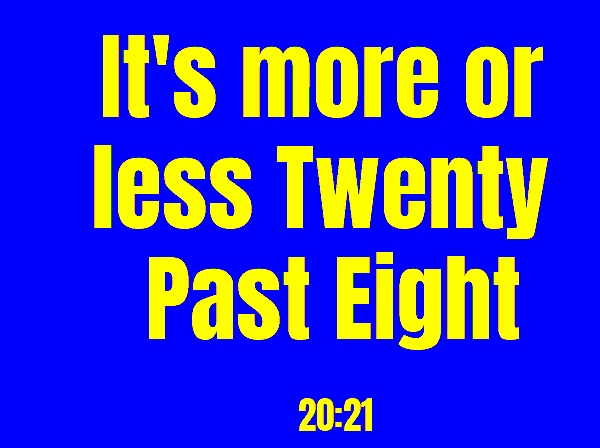
Sample time: 20:21 on Monday 5 October 2026. All sample images are in tests/images/, named word_clock-<layout>[-colors]-<screen>.png, where <screen> is 9in7 (9.7", 1200x825, 16 grays), 7in5 (7.5", 800x480, black and white) or 5in65 (5.65", 600x448, 7 colours). colors uses yellow text on blue.
words_time |
words |
words_time, yellow on blue, 5.65" |
|---|---|---|
 |
 |
 |