Splash screen
Type splash_screen · needs nothing: no network.
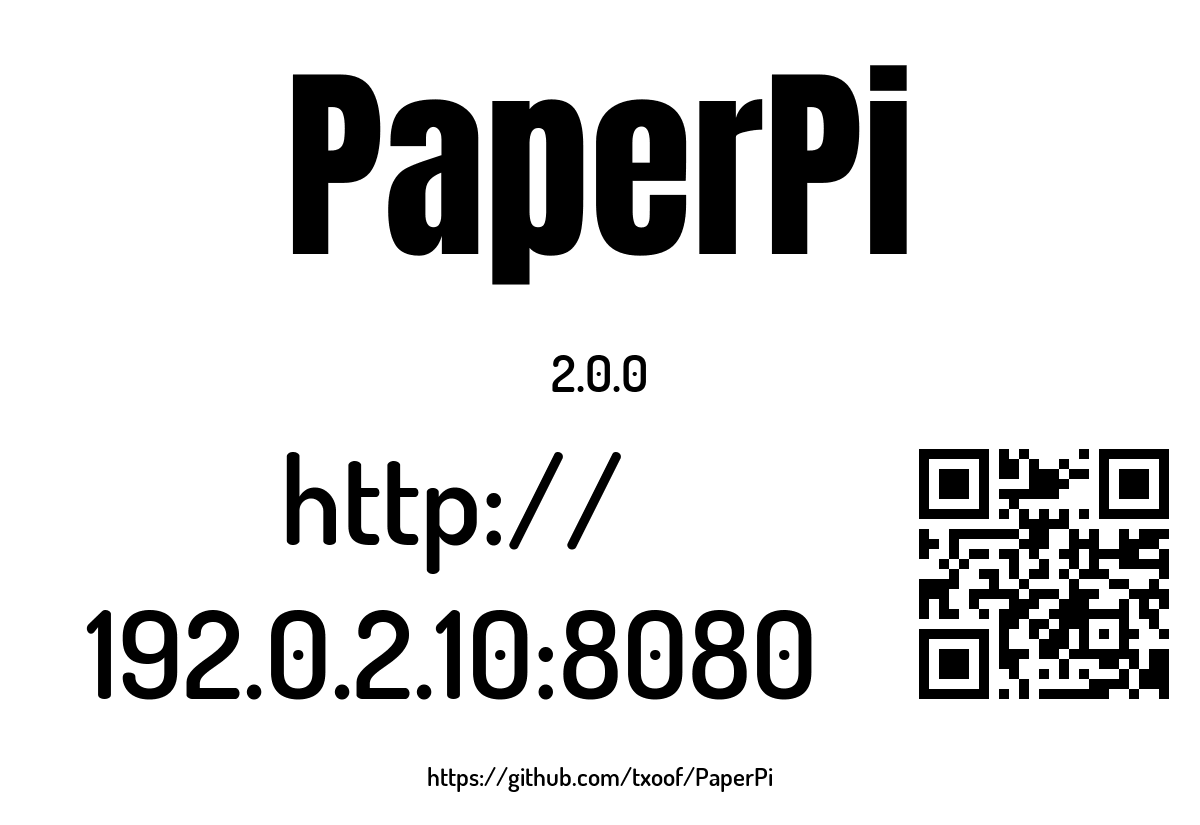
Shows PaperPi's name, its version, the address of its web interface and a QR code with that address, plus the address of PaperPi's web page (https://github.com/txoof/PaperPi). Ported from v1.
PaperPi shows it once at start, before the other plugins, for [display] splash_time seconds (default 60, at most 3600; 0: not at all). Meanwhile the other plugins get their first pictures. With no plugin ready to show, for example the first start after installing with the default config, it stays on screen (with a new picture every hour) until a plugin is ready to show, so the web address to set PaperPi up is always there. It is a plugin like any other, so start-up needs no drawing code of its own. You can also put it in the rotation with a [[plugin]] block; the setup layout is made for that (see below).
What it shows:
- the name, in large letters;
- the version of the PaperPi that is running, for example
2.0.0; - the web interface's address by IP address, e.g.
http://192.0.2.10:8080. Not by name (paperpi.local): the web interface only accepts IP addresses (see the main README). The address can change when the router gives the Pi a new one; - a QR code with the same address, to open the web interface on a phone;
- PaperPi's GitHub address.
Without a network it says "No network" instead, with no QR code.
An address is never cut off: when it doesn't fit on one line, it is broken after a "/" (or after a "." or ":"), drawn smaller if needed, and as a last step broken between letters (v1 split the GitHub address over two lines for the same reason).
The port is the web interface's port, [web] port (default 8080); like the web interface itself, a change applies at the next start of PaperPi. In Docker (M6), PaperPi may see the container's address instead of the Pi's; M6 deals with that.
Layouts
| Layout | Shows |
|---|---|
splash (default) |
the name, the version, the two web addresses next to the QR code, and the GitHub address at the bottom |
setup |
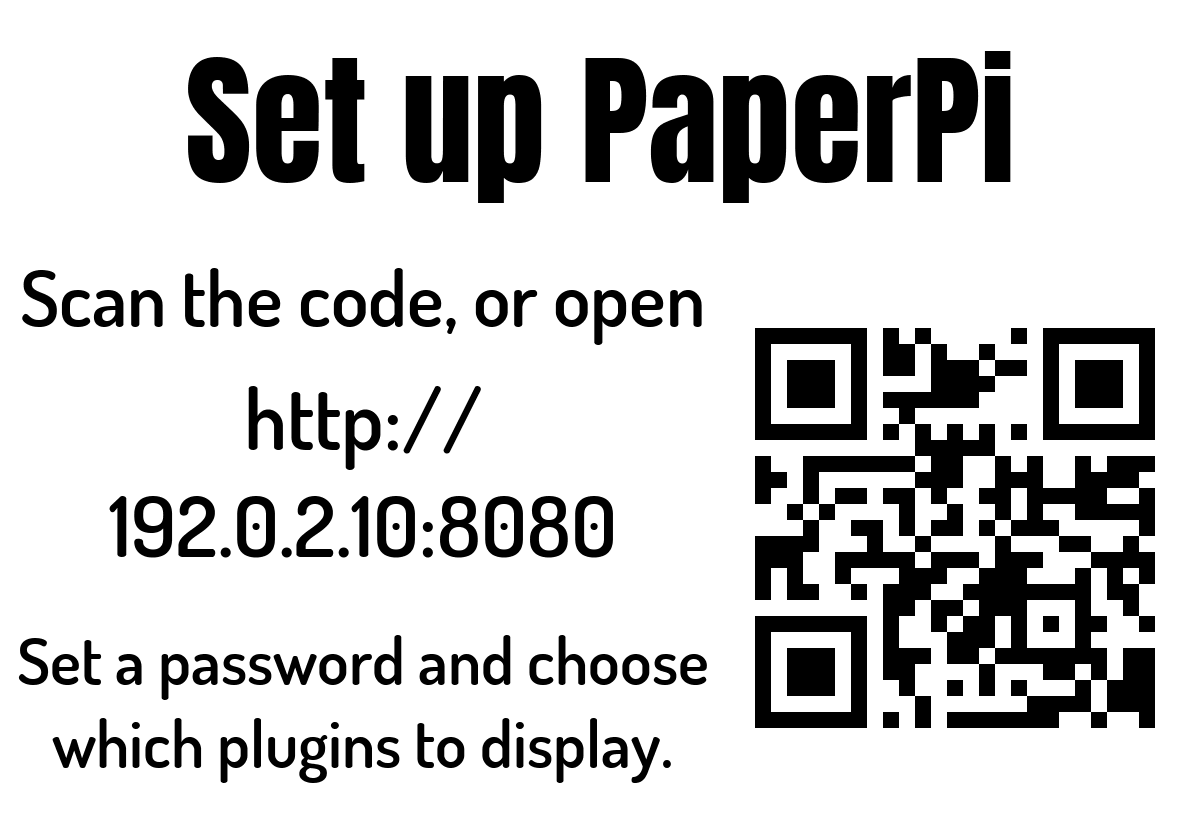
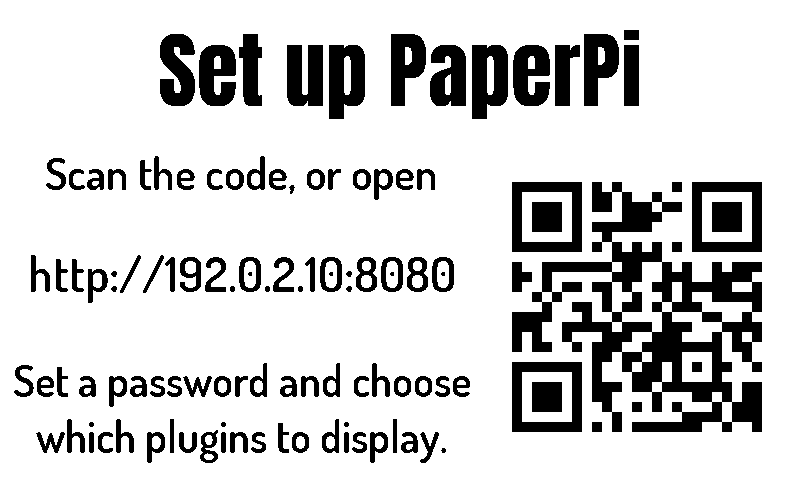
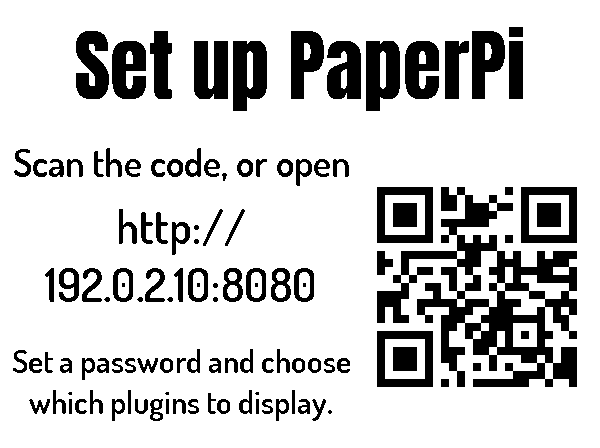
"Set up PaperPi", the web address next to a large QR code, and what to do there: set a password and choose which plugins to display. The first config after installing (Install) shows it in turn with a clock, until you remove it from the plugin list. Without a network: "No network" and no QR code |
Settings
One of its own, port (default 8080): the port in the addresses, only for a splash you add to the rotation yourself; the splash at start always uses [web] port. Plus the settings every plugin has. It suggests a refresh every hour, which matters while no plugin is ready to show and in the rotation: it then picks up a new IP address.
To put it in the rotation (not needed for the splash at start), here with the set-up screen, as paperpi example-config --setup writes it:
[[plugin]]
id = "splash_screen-1fa86d6d"
name = "Set up PaperPi"
type = "splash_screen"
layout = "setup"
Try it without a screen: uv run paperpi render splash_screen --size 800x480 --mode bw (with sample data; --live shows this Pi's real addresses).
The name is in Anton by The Anton Project Authors and the rest in Dosis SemiBold by Edgar Tolentino, Pablo Impallari and Igino Marini, both as in v1. Both are under the SIL Open Font License (fonts/Anton-OFL.txt, fonts/Dosis-OFL.txt), in PaperPi's shared fonts folder. The QR code is made with segno.
All settings
Made from the plugin's code, so always up to date.
| Setting | Default | What it does |
|---|---|---|
port |
8080 |
The web interface's port. The splash at start always uses [web] port |
Its suggestions for settings every plugin has (a block that sets one of them uses that value instead):
| Setting | Default | What it does |
|---|---|---|
refresh |
3600 |
Seconds between updates (at least 5). Leave it out to use the plugin's suggestion |
level |
"rotation" |
When it is shown: alert, interrupt or rotation. Leave it out to use the plugin's suggestion |
layout |
"splash" |
Which layout (see the plugin's page). Leave it out to use the first |
storage_mb |
500 |
Most megabytes this plugin may keep in its storage folder; over it, the files changed longest ago are removed first. Leave it out to use the plugin's suggestion |
storage_days |
30 |
Files the plugin has not changed for this many days are removed (0 = keep them). Leave it out to use the plugin's suggestion |
Sample images
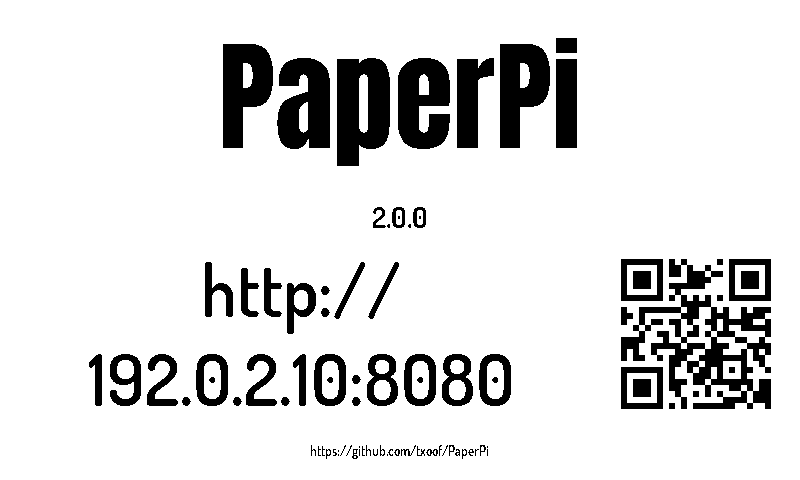
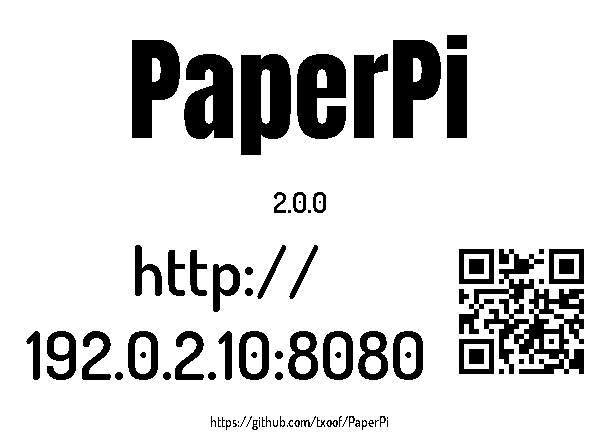
The sample images show version 2.0.0, and the made-up address 192.0.2.10. All sample images are in tests/images/, named splash_screen-<layout>-<screen>.png, where <screen> is 9in7 (9.7", 1200x825, 16 grays), 7in5 (7.5", 800x480, black and white) or 5in65 (5.65", 600x448, 7 colours).
splash:
| 9.7" | 7.5" black and white | 5.65" 7 colours |
|---|---|---|
 |
 |
 |
setup:
| 9.7" | 7.5" black and white | 5.65" 7 colours |
|---|---|---|
 |
 |
 |