Debugging
Type debugging · needs nothing: no network.
A plugin for testing PaperPi itself. It can crash, hang, and switch between the states "nothing", "ready" and "alert" in a fixed pattern. It needs no network.
Every update adds 1 to a count kept in the file count in its storage folder: plugins/<folder>/ in PaperPi's state folder (/var/lib/paperpi unless paperpi run --state-dir says otherwise). The folder name is made from the plugin's id: lowercase, with - for _, e.g. debugging-5d5b3b43. The count decides what the update does, so the same settings always give the same pattern.
Layouts
| Layout | Shows |
|---|---|
text_state (default) |
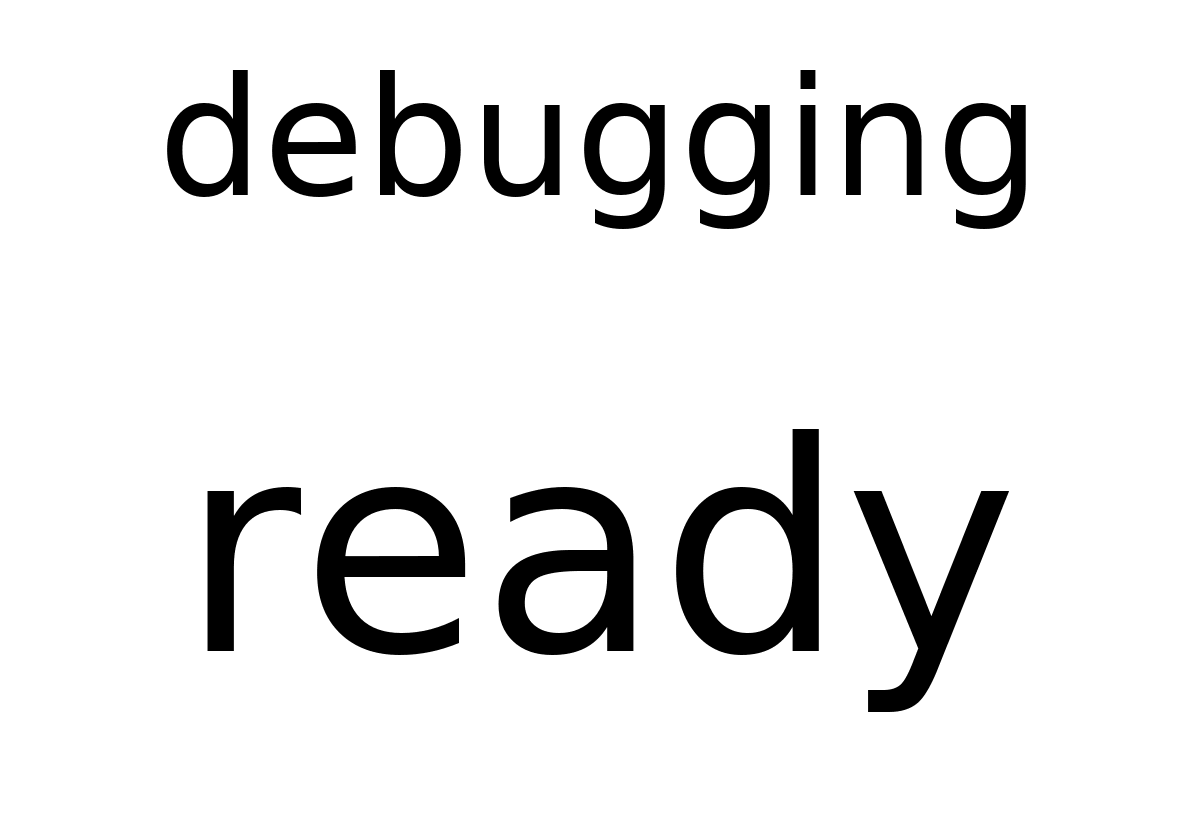
text above the state ("ready", "alert") |
The image shows nothing else, no time or count, so two updates with the same state give the same image and the screen is not written again.
Settings
| Setting | Default | Meaning |
|---|---|---|
text |
"debugging" |
Text shown above the state, e.g. to tell several debugging plugins apart |
states |
["ready"] |
States to report, one per update, then from the start |
crash_every |
0 |
Every Nth update raises an error; 0 = never |
hang_every |
0 |
Every Nth update hangs until its time limit stops it; 0 = never |
delay |
0 |
Seconds each update takes, like a slow web request |
It suggests a refresh every 30 seconds.
An alert every 3rd update, and a crash every 5th:
[[plugin]]
id = "debugging-5d5b3b43"
name = "Test alert"
type = "debugging"
level = "alert"
text = "test alert"
states = ["nothing", "nothing", "alert"]
crash_every = 5
refresh = 20
Draw its sample image: uv run paperpi render debugging. To see the pattern, use paperpi run (see Running from source): render starts with a new, empty storage folder each time, so its count is always 1.
All settings
Made from the plugin's code, so always up to date.
| Setting | Default | What it does |
|---|---|---|
text |
"debugging" |
Text shown above the state |
states |
["ready"] |
States to report, one per update, then from the start, e.g. ["nothing", "nothing", "alert"] |
crash_every |
0 |
Every Nth update raises an error; 0 = never |
hang_every |
0 |
Every Nth update hangs until its time limit; 0 = never |
delay |
0 |
Seconds each update takes |
Its suggestions for settings every plugin has (a block that sets one of them uses that value instead):
| Setting | Default | What it does |
|---|---|---|
refresh |
30 |
Seconds between updates (at least 5). Leave it out to use the plugin's suggestion |
level |
"rotation" |
When it is shown: alert, interrupt or rotation. Leave it out to use the plugin's suggestion |
layout |
"text_state" |
Which layout (see the plugin's page). Leave it out to use the first |
storage_mb |
500 |
Most megabytes this plugin may keep in its storage folder; over it, the files changed longest ago are removed first. Leave it out to use the plugin's suggestion |
storage_days |
30 |
Files the plugin has not changed for this many days are removed (0 = keep them). Leave it out to use the plugin's suggestion |
Sample images
All sample images are in tests/images/, named debugging-text_state-<screen>.png (see basic_clock for the screen names).