Nothing to show
Type default · needs nothing: no network.
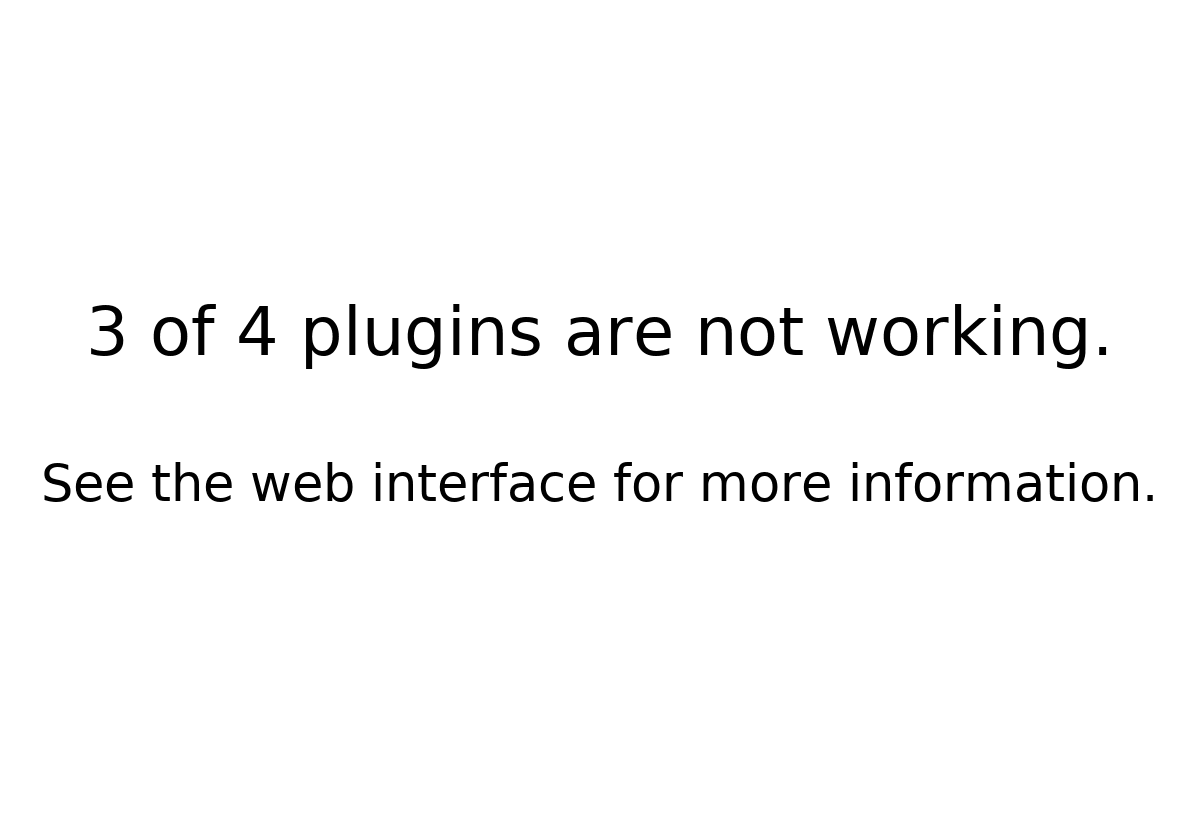
Shown when nothing else can be shown because plugins are failing, or because no plugin is ready to show (switched on, with all its required settings filled in) and the splash screen (which normally shows then, see splash_screen) fails. The scheduler tells it how many plugins are not working, and it shows e.g. "3 of 4 plugins are not working. See the web interface for more information." It needs no network.
PaperPi always has this plugin, also when the config file has no block for it. A [[plugin]] block with type = "default" changes its settings; it never takes part in the rotation. The QR code that opens the web interface comes with the web interface (M5).
Layouts
| Layout | Shows |
|---|---|
message (default) |
how many plugins are not working, and where to look |
Settings
None of its own.
All settings
Made from the plugin's code, so always up to date.
None of its own.
Its suggestions for settings every plugin has (a block that sets one of them uses that value instead):
| Setting | Default | What it does |
|---|---|---|
refresh |
3600 |
Seconds between updates (at least 5). Leave it out to use the plugin's suggestion |
level |
"rotation" |
When it is shown: alert, interrupt or rotation. Leave it out to use the plugin's suggestion |
layout |
"message" |
Which layout (see the plugin's page). Leave it out to use the first |
storage_mb |
500 |
Most megabytes this plugin may keep in its storage folder; over it, the files changed longest ago are removed first. Leave it out to use the plugin's suggestion |
storage_days |
30 |
Files the plugin has not changed for this many days are removed (0 = keep them). Leave it out to use the plugin's suggestion |
Sample images
Sample: 3 of 4 plugins are not working. All sample images are in tests/images/, named default-message-<screen>.png (see basic_clock for the screen names).